
Ready-to-Use Template
Hardware Request Form
Request hardware support by providing employee details, equipment needs, specifications, reasons, and contact information for processing.
The Hardware Request Form helps your website collect equipment requests using Contact Form 7. It is simple to set up and easy for visitors to use, so even beginners can add it to their site without any difficulty. This form allows staff or clients to submit hardware requirements online instead of using email or phone. In this template, you will find fields to collect important details like the requester’s name, email address, and phone number. It also includes sections for item name, model or specifications, required quantity, reason for the request, and additional comments. All the details are collected in one place so you can review and manage hardware requests easily.
Input Fields Used in this Template
Explore the advanced functionalities that extend Contact Form 7, enhancing your form capabilities and optimizing user interactions
 Section Break Field
  Text Field
  Email field
  Phone Field
  Dropdown select
  Checkbox field
  Textarea field
  Date Time Field
  Submit button
 Here is a user‑friendly Hardware Request Form fields designed to collect essential hardware procurement details from users.
- Requester's First Name: Enter your first name for identification.
- Requester's Last Name: Enter your last name for identification.
- Requester's Email: Enter your email address so the department can contact you.
- Requester's Phone Number: Provide a phone number for quick communication.
- Department to Purchase: Specify the department that requires the hardware.
- What type of hardware do you need?: Select the hardware you are requesting (Desktop, Laptop, Tablet, Accessories, or Others).
- If you choose other, please write the name: Provide the name of the hardware if “Others” is selected.
- Choose Software to be pre installed: Select any software that should come pre-installed on the hardware.
- Other Software / Instruction: Provide details of any additional software or special instructions.
- Reason for the Request (Be Specific): Explain why the hardware is needed in detail.
- Date Submitted: The date when you submit the hardware request.
- Math Captcha: Solve a simple math question to verify you are human.
- Submit Button: Click to submit your completed hardware request form.
Feature of this Template
Here is a quick overview of the features of this template, highlighting its key functions and how they can help you automate your process.
- Request Type: Allow users to specify the type of hardware they need (e.g., laptop, printer, monitor).
- Description of Need: Provide a field for users to explain why they need the hardware and its intended use.
- Priority Level: Let users select the urgency of their hardware request (e.g., low, medium, high).
- Contact Information: Collect user details such as name, department, and contact information for follow-up.
- Approval Section: Include space for managerial or departmental approval before processing the request.
- Quantity Requested: Allow users to specify how many units of the requested hardware are needed.
- Budget Information: Include a field to enter the budget code or allocation for the requested hardware.
Related Form
Explore additional related forms to enhance the Contact Form 7 user experience using different forms.
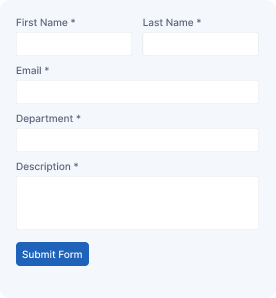
Support Forms
Send support requests by providing user details, issue information, service category, descriptions, and contact details for assistance.
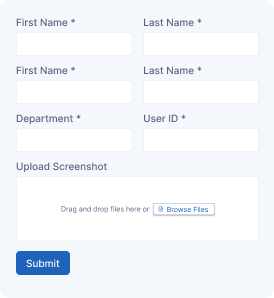
IT Service Ticket Form
Create support tickets by entering user details, technical issues, priority levels, attachments, and contact information for tracking.
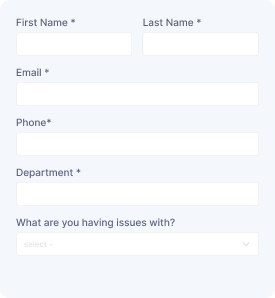
IT Service Request Form
Submit IT requests with user details, service category, issue descriptions, device information, and contact details for support.
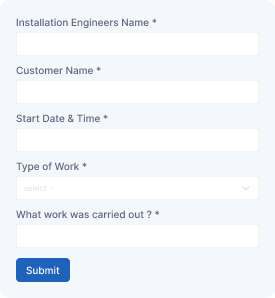
Installation Check Form
Record installation details with customer information, equipment details, inspection results, issues, and notes for verification.
Start free — Upgrade Anytime
Upgrade Contact Form 7 for Maximum Functionality
Booster for Contact Form 7 enhances your forms with powerful fields, features, and flexible customization options for more creativity.