Boost Contact Form 7 with extended features, better functionality, and easy customization options via Booster for Contact Form 7.
Discover powerful extensions for Contact Form 7 that enhance form features and improve user experience.
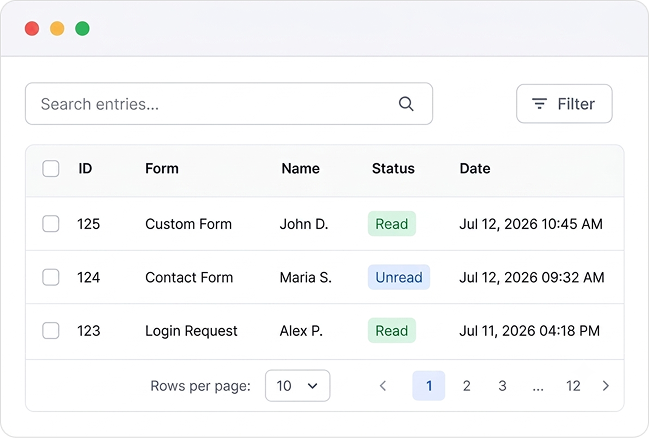
Collects all form submissions and stores them in the WordPress admin area. Admins can easily view and manage entries. It helps track every submission.
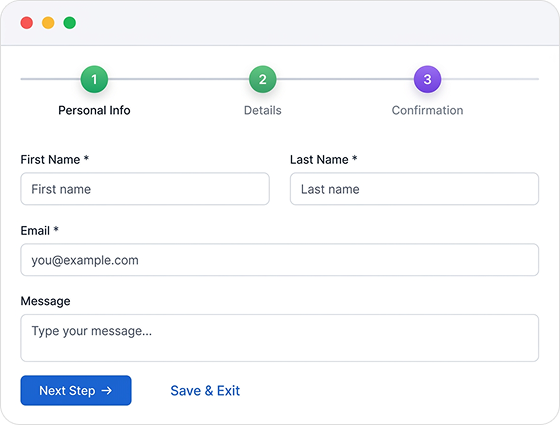
Breaks complex forms into smaller, manageable steps. This makes long forms less daunting and more user-friendly. Ideal for detailed surveys and applications.
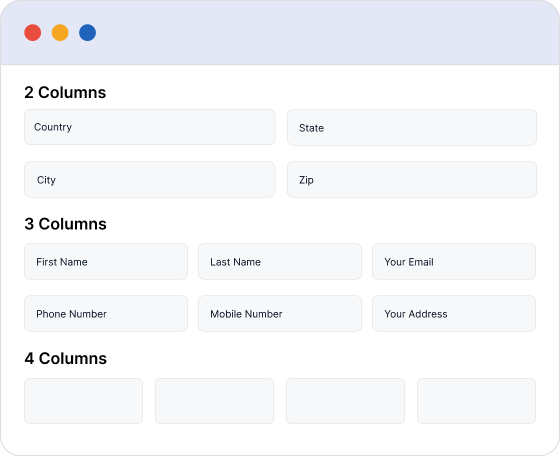
Allows manual customization of form layouts into columns. This helps create multi-column forms and keep information well organized.
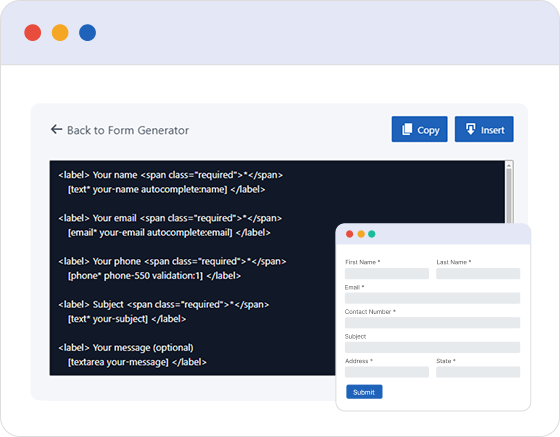
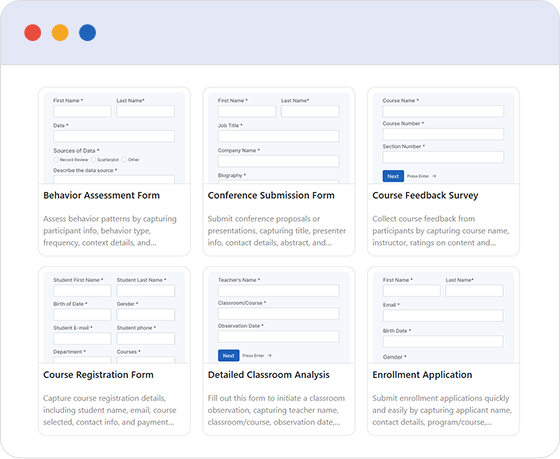
The Form Generator helps you build stunning, customized forms instantly. With a single click, transform ideas into ready-to-use forms that save time and effort. Perfect for any need, anytime.
Select from pre-designed form templates to improve your forms’ appearance and functionality. Create professional, attractive forms instantly with a single click.
Dynamically shows or hides form fields depending on user input, making forms more concise and relevant. It supports fields like dropdowns and sliders.
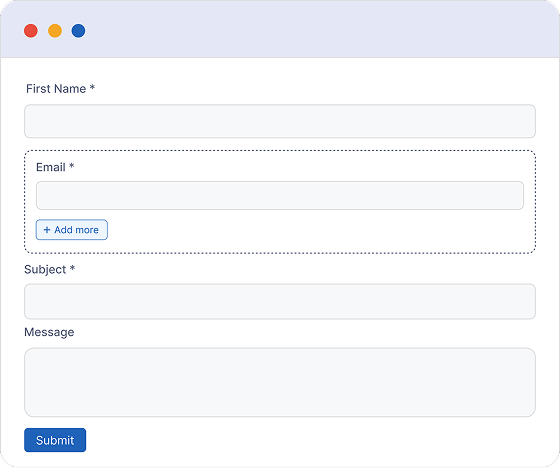
Enables duplication of form fields such as text inputs, file uploads, or checkboxes. Helpful for collecting multiple similar entries.
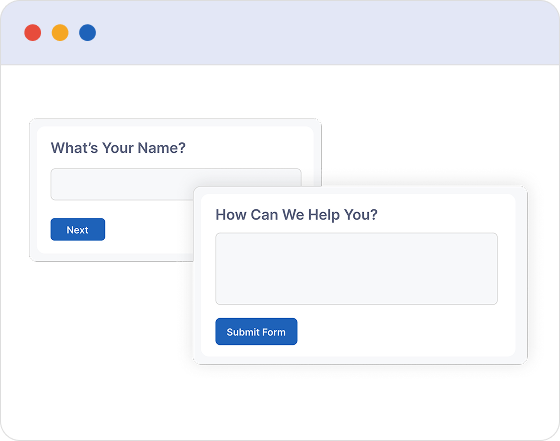
Create conversational forms that feel more natural and engaging, helping increase user interaction like never before.
Improve data collection efficiency with Booster for Contact Form 7 enhanced custom field options, built to capture detailed and specialized information effortlessly while submitting forms.
Adds a dedicated text field to collect address details while submitting the form.
Integrates a dynamic math challenge to prevent spam during form submission
Displays dynamic website data within forms by retrieving it automatically, useful for hidden fields.
Adds a unique ID input field to each form submission for easy tracking.
Offers a dropdown menu of countries for quick and easy selection.
Includes a specialized field for collecting phone numbers.
Supports input of both date and time in a single form field.
Adds a file upload field that integrates directly with Google Drive for submissions.
Includes a hidden input field to detect and block spam submissions.
Enables users to choose colors using a dedicated color picker tool.
Provides the ability to duplicate specific form fields as permitted by the admin.
Provides a shortcode for easily inserting the form into various pages.
Lets you extend forms by including extra content via predefined hooks.
Includes a visual break that helps separate different parts of the form.
Provides a file upload option for submitting documents and other non-image files.
Designed for better workflows, Booster for Contact Form 7 connects with your daily tools, improving functionality and offering a flexible option for any website.
We ensure high-quality products to help customers recognize and appreciate their value.
Frequently Asked Questions (FAQ) provide quick, clear answers to common user inquiries.
Booster for Contact Form 7 enhances your forms with powerful fields, features, and flexible customization options for more creativity.